
Smart Online Word Wrap
Instantly format your raw text blocks. Our powerful free text wrapping utility ensures your paragraphs break perfectly at your specified character length without destroying words.
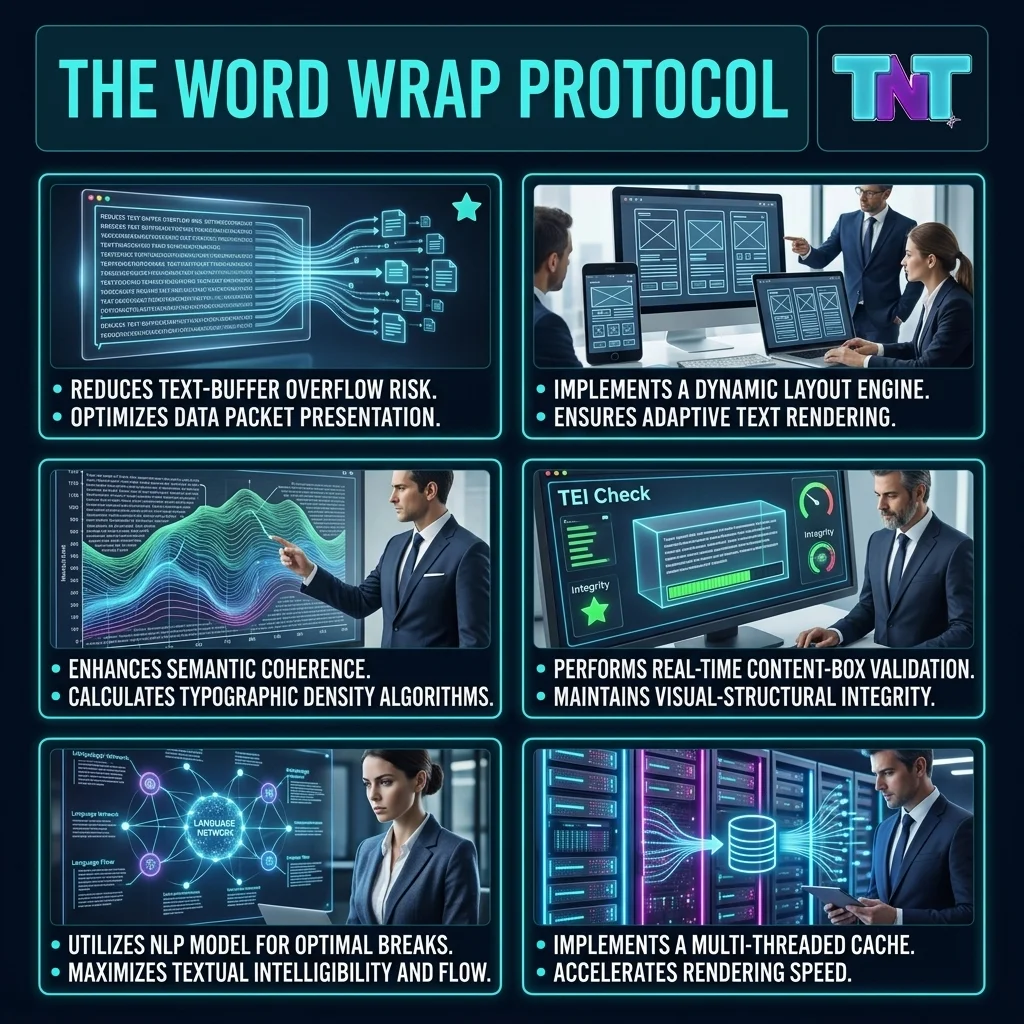
Why Digital Professionals Rely on a Line Break Helper?
Managing raw strings of data can be visually overwhelming. While CSS handles visual boundaries (learn how the rendering engine works via the official MDN Web Docs on Overflow Wrap), hardcoded text requires physical line breaks. Here is why our word wrap tool is essential:
Flawless Readability
Eliminate horizontal scrolling. A dedicated text alignment tool forces your text into clean, readable columns, perfect for README files and plain-text emails.
Smart Word Preservation
Unlike basic code that slices text indiscriminately, our smart algorithm detects spaces, ensuring words remain whole when moving to the next line.
100% Privacy & Free
Everything happens locally in your browser. This free word wrap service guarantees that your sensitive data is never uploaded to any server.
Manual Editing vs. Automated Line Wrapping
| Formatting Aspect | Manual Hard-Coding | Our Automated Utility |
|---|---|---|
| Speed of Execution | Extremely tedious (✕) | Real-time, zero latency (✓) |
| Margin Accuracy | Prone to human miscalculation (✕) | Mathematically precise (✓) |
| Dynamic Adjustability | Requires starting over (✕) | Adjustable via slider instantly (✓) |
| Workflow Integration | Isolated process (✕) | Pairs with our Line Remover (✓) |
Text Optimization Status
Complete this professional formatting workflow before publishing your documents. Watch your optimization score grow!
Explore the Text Tools Suite
Enhance your workflow further by visiting the core sections of Tests and Tools:
Frequently Asked Questions
This text formatting utility automatically breaks long, horizontal lines of text into perfectly constrained paragraphs. This eliminates annoying horizontal scrolling, making it ideal for coding documentation, emails, and plain-text reading.
Yes, our text constraint utility is 100% cost-free. You can process unlimited text length without any registration, hidden fees, or data storage on our servers. Everything runs safely inside your browser.
No. Our smart word wrap algorithm detects spaces and punctuation. If a specific word exceeds the maximum character limit for that line, the entire word is gracefully shifted to the next line to maintain structural integrity.