
Elevate Your Writing with the Ultimate Markdown Editor
Whether you are a developer formatting README files or a content creator structuring blog posts, finding a reliable markdown tool is essential. An online markdown editor streamlines your workflow by eliminating the need for complex software installations. At Tests and Tools, we provide an intuitive platform that acts as both an editor and a real-time markdown viewer.
Our tool integrates seamlessly with our suite of web tools. For instance, if you are organizing content, you might also find our text tools incredibly useful. You can format your links using the Slug Generator, organize lists with the Text Sorter, or adjust paragraph breaks via the Word Wrap Tool.
📊 Markdown Cheat Sheet Infographic
Click the image to view the full resolution, or download it to keep it handy!
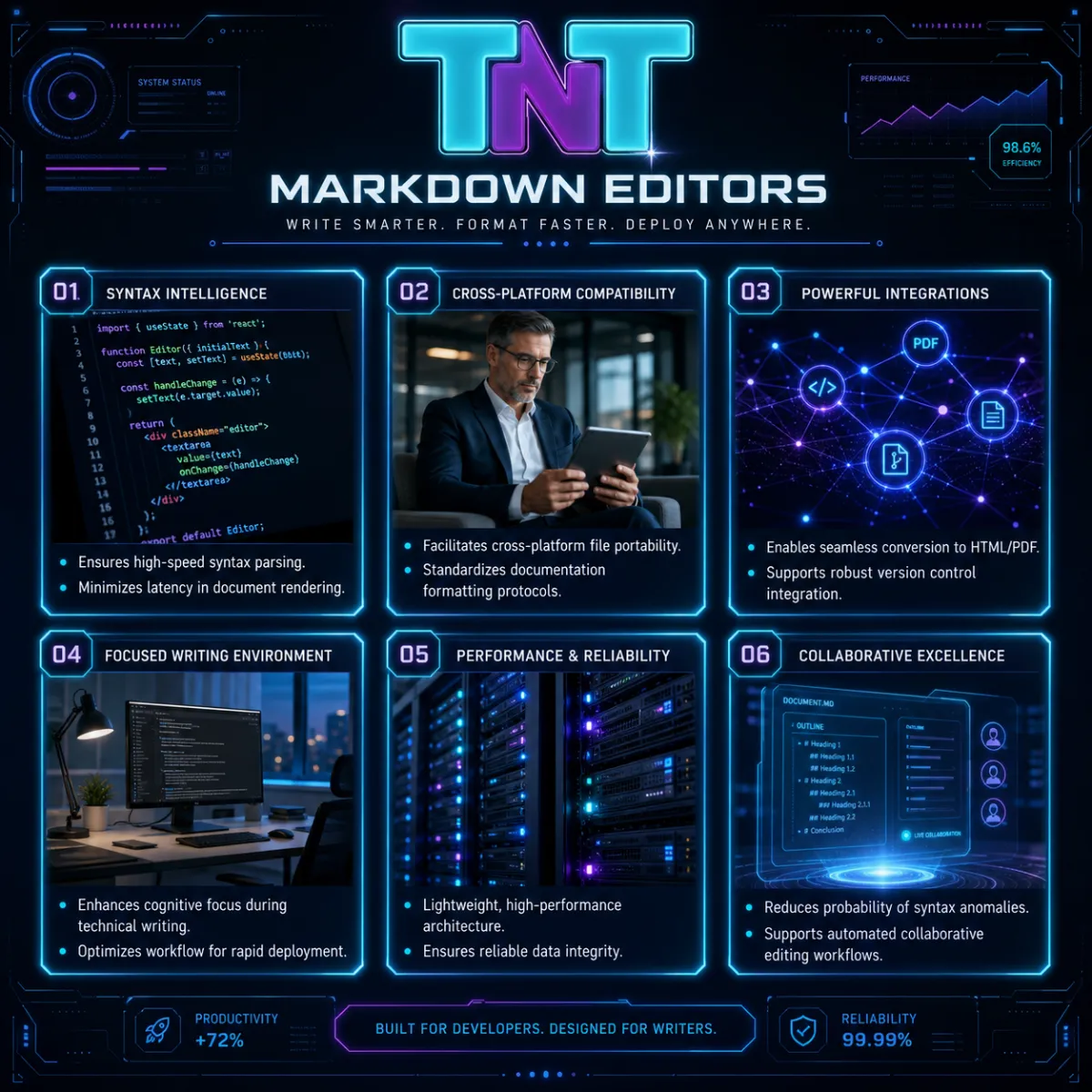
📥 Download Infographic
Why Use an Online Markdown Editor?
A robust markdown viewer interprets your syntax instantaneously. According to the original specifications by John Gruber on Daring Fireball, Markdown is designed to be readable as plain text while smoothly translating to valid HTML. Our online markdown editor honors this philosophy, ensuring your formatting remains pristine.
Essential Markdown Syntax Guide
| Element | Markdown Syntax | Expected Result |
|---|---|---|
| Heading 1 | # Heading |
Main Title |
| Bold Text | **Bold** |
Heavy text emphasis |
| Italic Text | *Italic* |
Slight text emphasis |
| Link | [Text](URL) |
Clickable hyperlink |
| Code Block |
```code
``` |
Preformatted text |
✅ Markdown Formatting Checklist
Use this interactive checklist to ensure your document is perfectly structured before exporting it from our editor.
🎮 Test Your Markdown Knowledge
Which symbol is used to create a blockquote in Markdown?
Frequently Asked Questions
A markdown editor is a text-to-HTML conversion tool that allows you to write using an easy-to-read, easy-to-write plain text format, which then structurally converts it into HTML.
The markdown viewer renders your plain text syntax in real-time. As you type in the editor panel, the viewer interprets the syntax (like asterisks for bold text) and displays the visual formatting instantly.
Yes, our online markdown editor is 100% free. You can format unlimited text directly in your browser without any hidden fees or registration requirements.