The Neuroscience of Workflow Automation
Why does instantly organizing messy data feel so deeply satisfying? It comes down to dopamine and cognitive offloading. According to cognitive researchers at Stanford University's Wu Tsai Neurosciences Institute, manually hunting for specific information—like visually scanning for links in a dense document—significantly increases cognitive load and mental fatigue. By utilizing an automated url extractor online, you effectively offload this mechanical sorting process. This successful completion of a micro-task triggers a reward response in your brain, allowing your mind to preserve its energy for high-level strategy and creative problem-solving.
What Does It Mean to Extract URLs from Text?
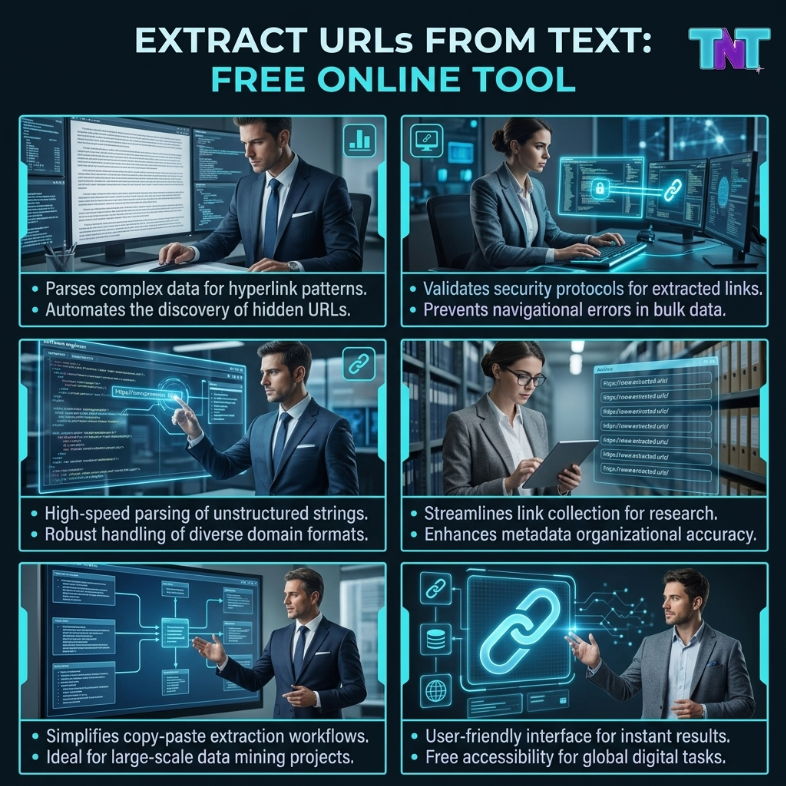
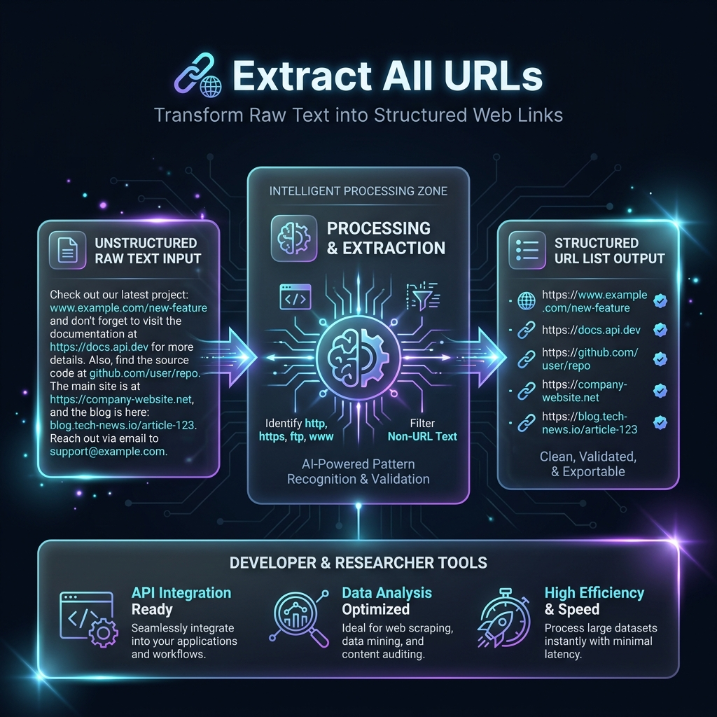
When dealing with raw scraped data, dense marketing copy, or large code snippets, manually copying and pasting links is inefficient and prone to human error. A sophisticated url extractor from text utilizes advanced regular expressions to instantly scan your entire document, identify hidden URL patterns, and isolate them into a clean, actionable list. Whether your goal is to get urls from text for a comprehensive website audit, or simply to compile reference materials, this utility handles the heavy lifting in milliseconds.
Powerful Use Cases for Digital Professionals
Digital Marketing & SEO
Streamline your competitive analysis. Quickly extract website urls from promotional content, PR articles, or competitor landing pages to analyze outbound link strategies and backlink profiles.
Site Administration
Perfect for WordPress managers conducting complex site migrations. Easily extract all urls from database dumps, media library logs, or sitemaps to verify link integrity and resolve broken paths.
Content Curation
Accelerate your research process. Paste long-form articles, bibliographies, or unstructured notes to safely extract links from text and build organized reference lists effortlessly.
Optimize Your Data Processing Pipeline
Extracting links is often just the first step in organizing your digital assets. Combining targeted text utilities guarantees pristine data formatting. Review the table below to see how these tools complement each other.
| Workflow Objective |
Recommended Utility |
Expected Outcome |
| Isolating web addresses from raw data blocks. |
URL Extractor Tool |
A cleanly parsed list of all hyperlinks hidden within the text. |
| Removing repeated URLs to ensure a unique list. |
Duplicate Line Remover |
A refined, distinct dataset perfect for CRM or spreadsheet imports. |
| Eliminating awkward spacing around extracted data. |
Whitespace Remover |
Tidy, normalized text without invisible trailing characters. |
| Fixing broken paragraph structures after extraction. |
Line Break Remover |
A continuous, readable text flow, ready for content publishing. |
Actionable Data Hygiene Tips
- Audit the Output: Once you successfully extract urls from text, quickly review the generated list. Tracking parameters (like UTM tags) might make URLs excessively long; ensure these are exactly what you need for your campaign.
- Chain Your Utilities: For maximum efficiency, never stop at extraction. Always pass your fresh URL list through a duplicate remover to ensure data uniqueness before importing it into your marketing platforms.
- Mind the Context: Remember that an automated tool extracts exactly what is presented. If the source text contains broken or fragmented links, the output will reflect that. Pre-cleaning the text with a whitespace remover can sometimes yield more accurate extraction results.